
7 Ways to Optimize and Extend Your Pre-Owned MacBook's Battery Life
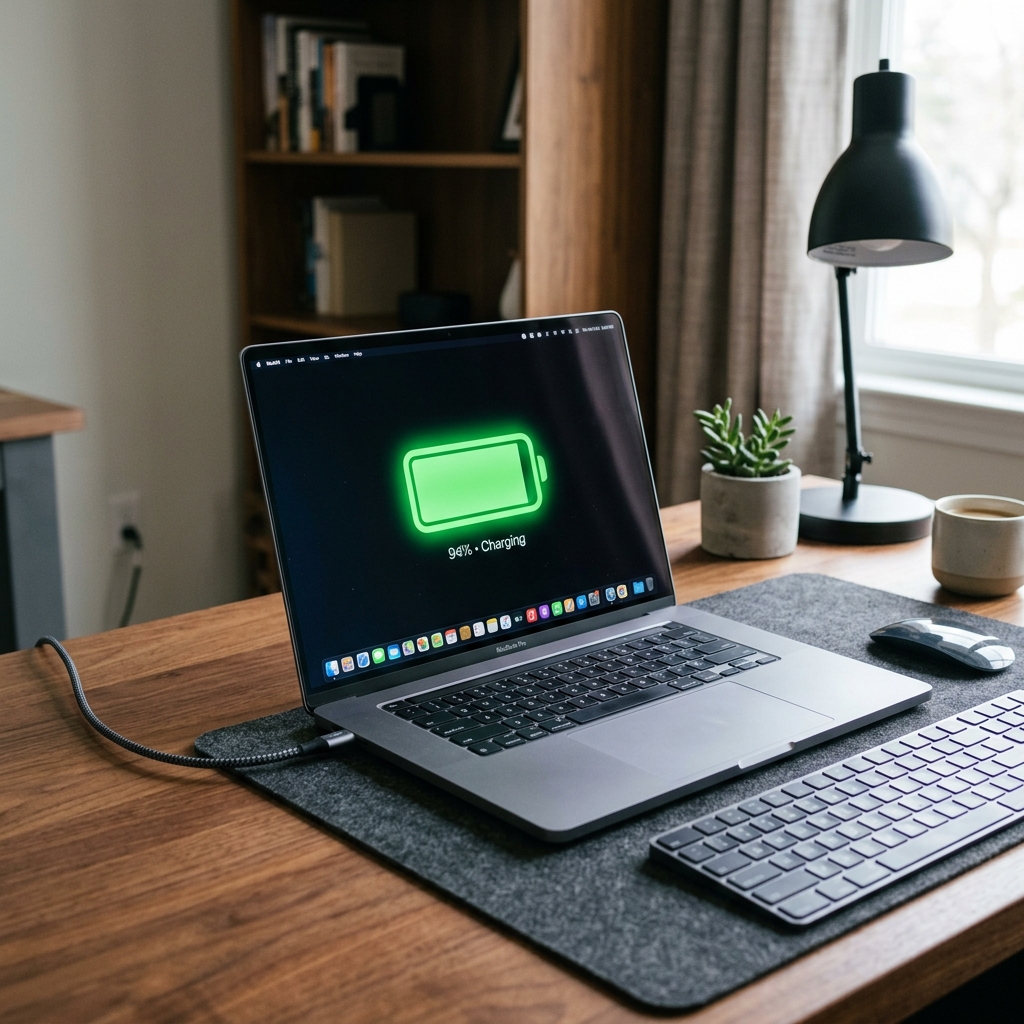
Want your second-hand MacBook to last longer on a single charge? Here are 7 simple macOS settings and battery optimization hacks to maximize your daily battery life.
Maximizing the Efficiency of Your MacBook
Apple Silicon MacBooks are famous for their amazing battery life. But if you have bought a pre-owned machine that has already completed 300+ charge cycles, its capacity will have naturally degraded slightly. The good news is that you can significantly extend your screen-on time by making a few minor adjustments to your daily usage habits.
Here are 7 expert tips to optimize your MacBook battery life today.
1. Enable "Optimized Battery Charging"
Go to System Settings -> Battery -> click the info icon next to Battery Health, and turn on **Optimized Battery Charging**. macOS will learn your daily charging habits and delay charging past 80% until you need to use it. This prevents the battery from sitting at maximum voltage for long periods, which degrades battery cells.
2. Audit Energy-Hogging Applications
Click the battery icon in the top macOS menu bar to see which open applications are consuming significant energy. Web browsers like Google Chrome are major culprits. Consider switching to **Safari**, which is optimized specifically for Apple hardware and uses up to 30% less battery during web browsing.
3. Manage Screen & Keyboard Brightness
The Liquid Retina screen is a huge power draw. Dimming the screen brightness to 50-60% can save up to two hours of battery life. Additionally, turn off your keyboard backlight during daylight hours to prevent unnecessary power draw.
4. Use Low Power Mode Dynamically
In macOS, Low Power Mode reduces CPU clock speeds slightly and manages background tasks to save energy. You can configure it to turn on automatically whenever you unplug your MacBook from the charger under Battery Settings.